


A Professional's Comprehensive Guide to Setting the Date on a Wristwatch

"How do you set the date on a wristwatch?"
"Is it true that if you just turn it randomly, it'll break?"
Hello to all of you who opened this article with questions like these.
I’m Fujimoto, with about 30 years of experience in watch repair and having
To get straight to the point, there is an “absolute procedure to avoid breaking your watch” when adjusting the date on a wristwatch.
You need to be careful because crowncan cause the internal gears to chip or lead to malfunctions.
In this article, speaking from my perspective as a professional watch repair technician with hands-on experience,
・3 Steps to Setting the Correct Date
・"Prohibited Hours" During Which You Must Not Operate the Equipment Under Any Circumstances
We’ll provide a systematic explanation. By reading this article, you’ll learn the proper handling methods to ensure your cherished watch lasts for years to come.
If you’d like to see the actual process in action, please also watch the video that served as the basis for this article.

Table of Contents
3 Steps to Setting the Date on a Wristwatch
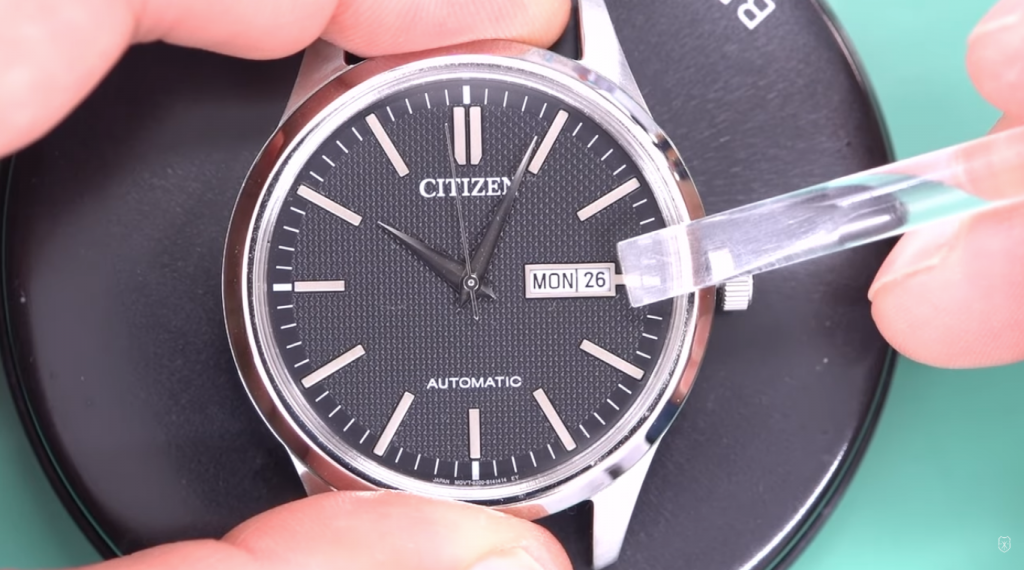
The procedure for setting the date is basically the same for any watch.
Instead of setting it directly to “today’s date, ” the key is to set it to “yesterday” first .
I’ll explain the specific steps based on the demonstration in the video.
Step 1: Set the date to "the previous day"
First, crown to enter “Quick Calendar Adjustment Mode.”
At this point, instead of setting the date to today, deliberately set it to "the date one day prior (the previous day)"
For example, if today is the 30th, set it to “the 29th.”
If you set it to today’s date right away, the watch’s internal mechanism won’t be able to recognize whether it’s AM or PM, which can cause discrepancies—such as the date changing at 12:00 PM.
Step 2: Turn the hand to set the clock to "AM/PM"
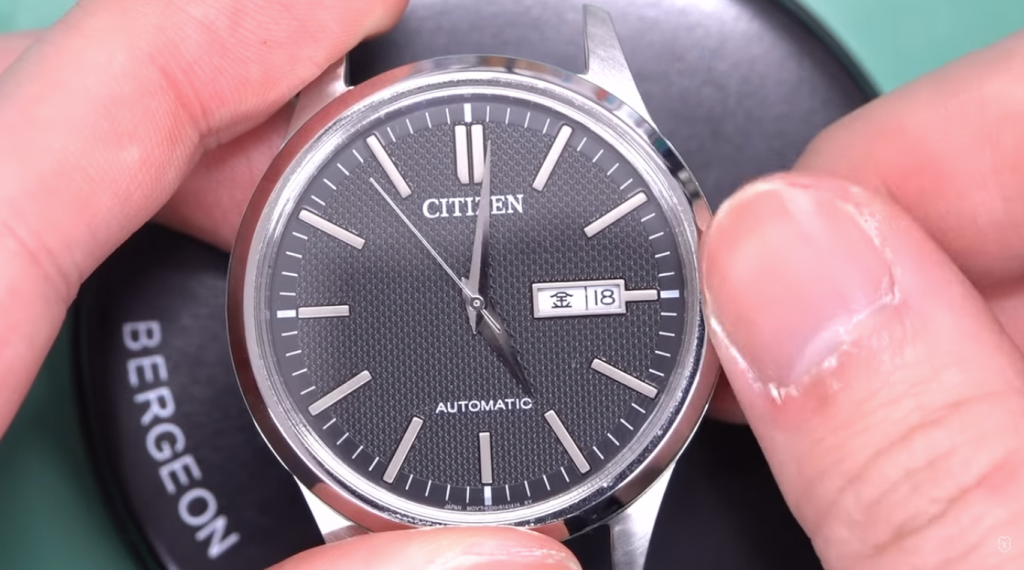
Next, crown to enter “time-setting mode.”
In this state, turn the hands clockwise (forward).
As you turn the hands forward, the date will change with a “click” at a certain point. That moment is “midnight”
. This tells the watch that “from this point on, it’s the morning of today.”
Step 3: Complete the task at the exact time
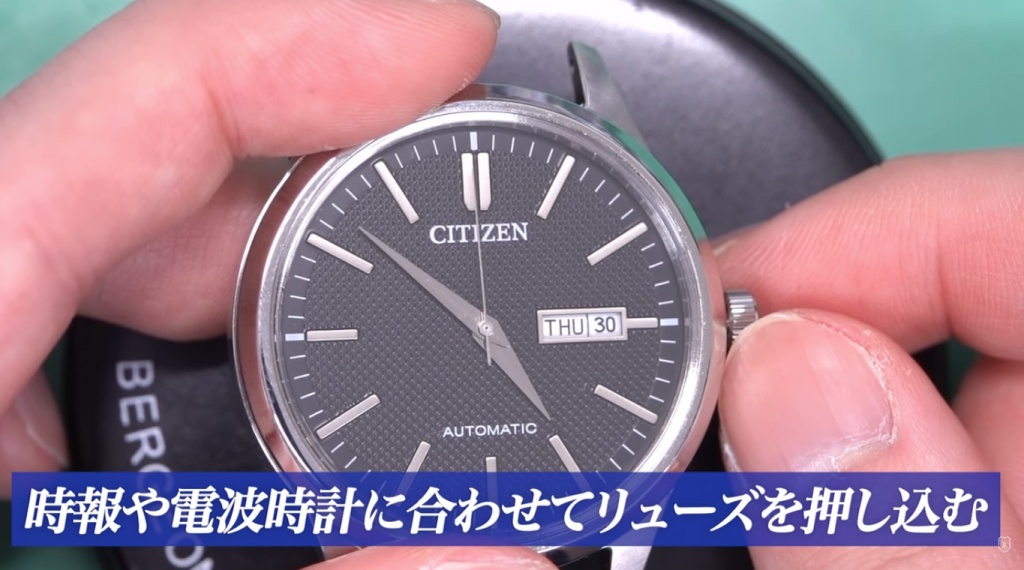
Once the date changes (after midnight), advance the hands further to set the watch to the current time.
For example, if it’s “4:00 p.m.”, you’ll need to turn the hands another full rotation (12 hours) after the date changes to bring them to the 4:00 p.m. position.
Finally, push crownsecond handcrownsecond hand (the 12 o’clock position), and you’re done.
"Prohibited Time Periods for Date Changes"—Things You Must Never Do
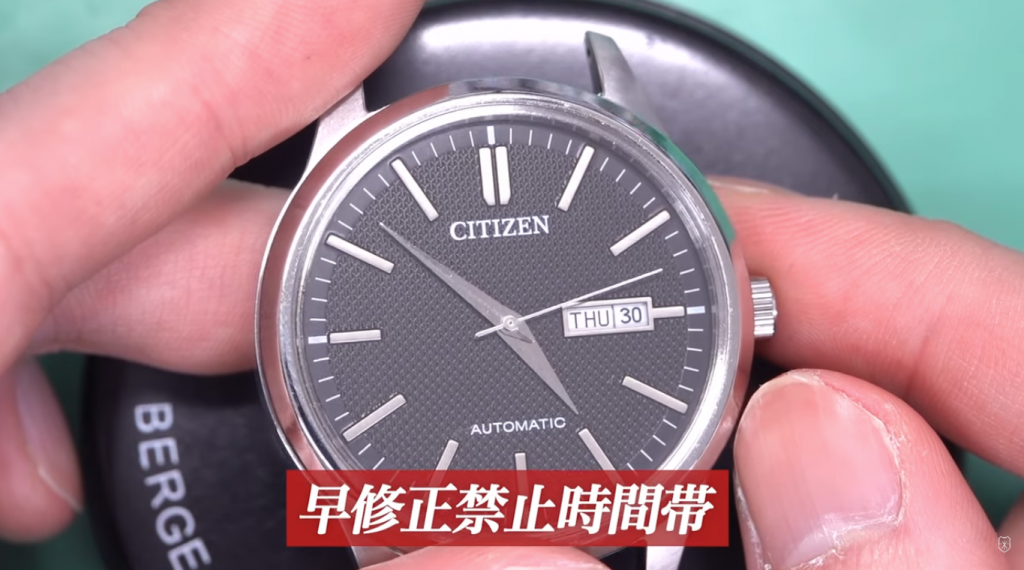
When setting the date, what’s even more important than the procedure itself is "times when you must not perform any operations" .
Ignoring this will almost certainly lead to a malfunction.
From 9:00 p.m. to 3:00 a.m. the following morning, "Operation Strictly Prohibited"
Generally, you should not advance the date between 9:00 p.m. and 3:00 a.m. the following morning. This period is often referred to as the “date change restriction period.”
Why does it break when I set it to this time?
This is because, during this time period, the “gear that rotates the date disc” inside the watch has already begun to mesh, and the watch is in the process of preparing to change the date.
If you try to force the date to change from the outside while the gears are firmly meshed, the gears will interfere with each other, which can cause the teeth to chip or parts to break .
Even if you notice “the date is off” when checking your watch at night, it’s dangerous to correct it on the spot.
The golden rule is to first advance the hands to a safe time, such as “6:00 p.m.,” before adjusting the date.
・First, set the date to “the day before”
・Turn the hand to pass midnight (12:00 a.m.) to set the AM/PM indicator
・Avoid adjusting the date during restricted hours (9:00 p.m. to 3:00 a.m.)
Just by following these three tips, you can drastically reduce watch problems.
And if you’d like to learn more about watches, be sure to check this out.

最後までお読みいただき、ありがとうございました。
この記事はオンラインウォッチアカデミーの講師である藤本が監修しています。
藤本信和
一級時計修理技能士。1973年東京都生まれ。
大学にて家具デザインを専攻、卒業後ヒコ・みづのジュエリーカレッジ
ウォッチメーカーコースに通い、時計修理の世界へ。
時計店ではあらゆる修理・受付販売などに携わり、
その後東京のヒコ・みづのジュエリーカレッジにて講師として10年間で、
学生とキャリアスクールの社会人約600人に教える。
21年4月より東京都千代田区飯田橋に自身の工房、Foliotを構える。
好きな時計はROLEX。趣味はカーレース(軽自動車の耐久レース)